
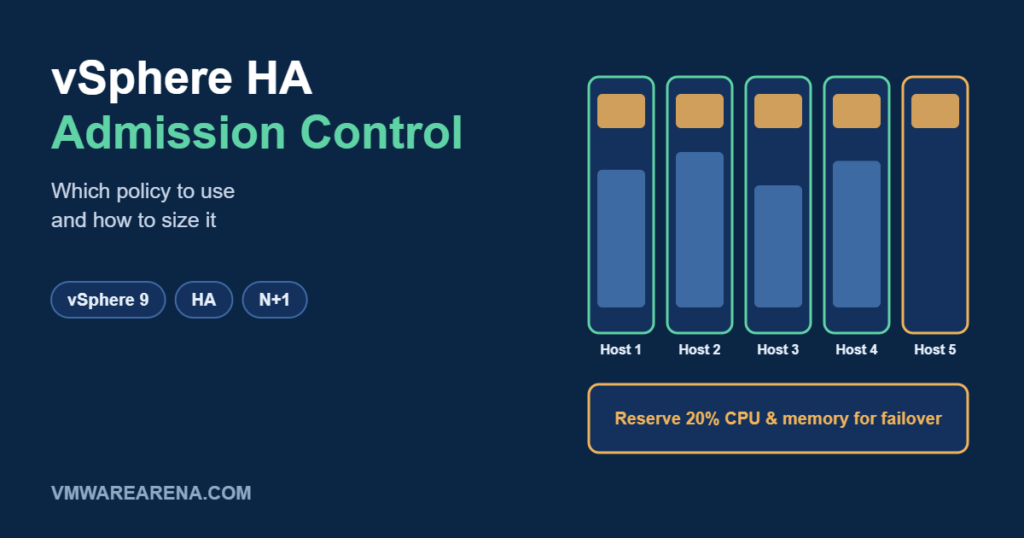
vSphere HA restarts your VMs on surviving hosts when a host fails. But HA can only restart them if there’s enough free CPU and memory left in the cluster. Admission control is the setting that guarantees that capacity by refusing to power on new VMs once the failover reserve would be used up. It’s one of the most misunderstood settings in vSphere, so let’s break it down.
What Admission Control Actually Does
Admission control does not stop VMs from using resources, and it doesn’t move anything. It simply checks, before a VM powers on or a reservation increases, whether the cluster would still have enough reserved capacity to survive the failures you’ve specified. If not, the operation is blocked.
An important detail: admission control works on reservations, not on actual usage. If your VMs have no CPU or memory reservations, the calculation uses small default values, and the cluster can look far healthier than it really is.
The Three Policies
1. Cluster Resource Percentage (recommended for most clusters)
You reserve a percentage of the cluster’s total CPU and memory for failover. By default, vSphere calculates the percentage automatically from the number of host failures you want to tolerate. For example, tolerating one host failure in a 6-host cluster reserves about 17% (1 ÷ 6). If you add hosts later, the percentage adjusts on its own.
- Flexible and works well with VMs of different sizes.
- Automatic calculation assumes hosts of similar size. With mixed hosts, check that the reserve covers your largest host.
2. Slot Policy (Powered-on VMs)
vSphere calculates a “slot” based on the largest CPU and memory reservation of any powered-on VM, counts how many slots fit on each host, and reserves enough slots to survive the configured failures. One VM with a large reservation makes every slot large, which wastes capacity. You can set a fixed slot size to avoid that, but in most clusters the percentage policy is simpler.
3. Dedicated Failover Hosts
You designate specific hosts as failover hosts. They sit idle (DRS won’t place VMs on them) until a failure happens. It’s the most predictable option, but also the most expensive, since those hosts do nothing day to day. It’s mostly used where licensing or compliance requires it.
Comparison
| Policy | How it reserves capacity | Best for | Watch out for |
|---|---|---|---|
| Cluster resource percentage | % of total CPU and memory | Most clusters | Mixed host sizes; VMs without reservations |
| Slot policy | Fixed number of slots | Clusters with uniform VMs | One large reservation inflates every slot |
| Dedicated failover hosts | Whole idle hosts | Strict predictability or licensing needs | Idle hardware cost |
Performance Degradation VMs Tolerate
Since vSphere 6.5, you can also set “Performance degradation VMs tolerate”. HA raises a warning if a failure would leave less capacity than your VMs are actually using, even if the reservations say it’s fine. Setting it to 0% means you want a warning whenever a host failure would cause any performance impact. This closes the gap left by reservation-based admission control, so I recommend enabling it.
How to Size It
- Decide how many host failures you must survive (usually 1; 2 for large or critical clusters).
- Use the cluster resource percentage policy with automatic calculation.
- Check that your actual usage still fits after a failure: total used CPU and memory should stay below what the remaining hosts can deliver.
- Enable performance degradation warnings.
- Re-check whenever you add large VMs or change host hardware.
To check step 3 quickly, the HA & Capacity tab in my free VMware Admin Toolkit shows the reserve percentage and your vCPU ratio and memory use before and after a host failure.
Common Mistakes
- Disabling admission control to power on “just one more VM”. The cluster then quietly loses its ability to recover from a failure.
- Relying on reservations alone when most VMs have none.
- Forgetting maintenance mode. With one host in maintenance and N+1 sizing, a second failure has no spare capacity left.
Admission control is your insurance policy. Set it once, size it on real usage, and your VMs will have somewhere to restart when a host goes down.